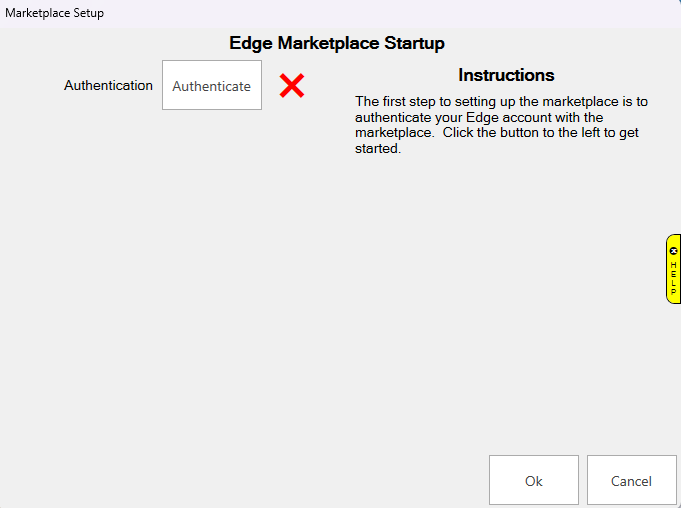
Once you've completed the Sign Up, you will receive a new Edge license file. Once you install that, you can continue to the Startup steps. The first step is Authenticate. This will verify your Edge program with the Marketplace and allow you to start using the Marketplace.
Click Authenticate to begin.
You will get a window where you can Start the Authentication or Close.
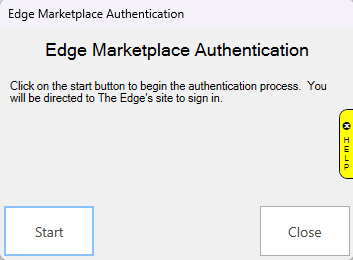
Once you click Start, you will be prompted to sign in with the email address you used at Sign Up and the temporary password you received after Sign Up.
After you sign in, you will get a webpage stating that your Authentication is complete.
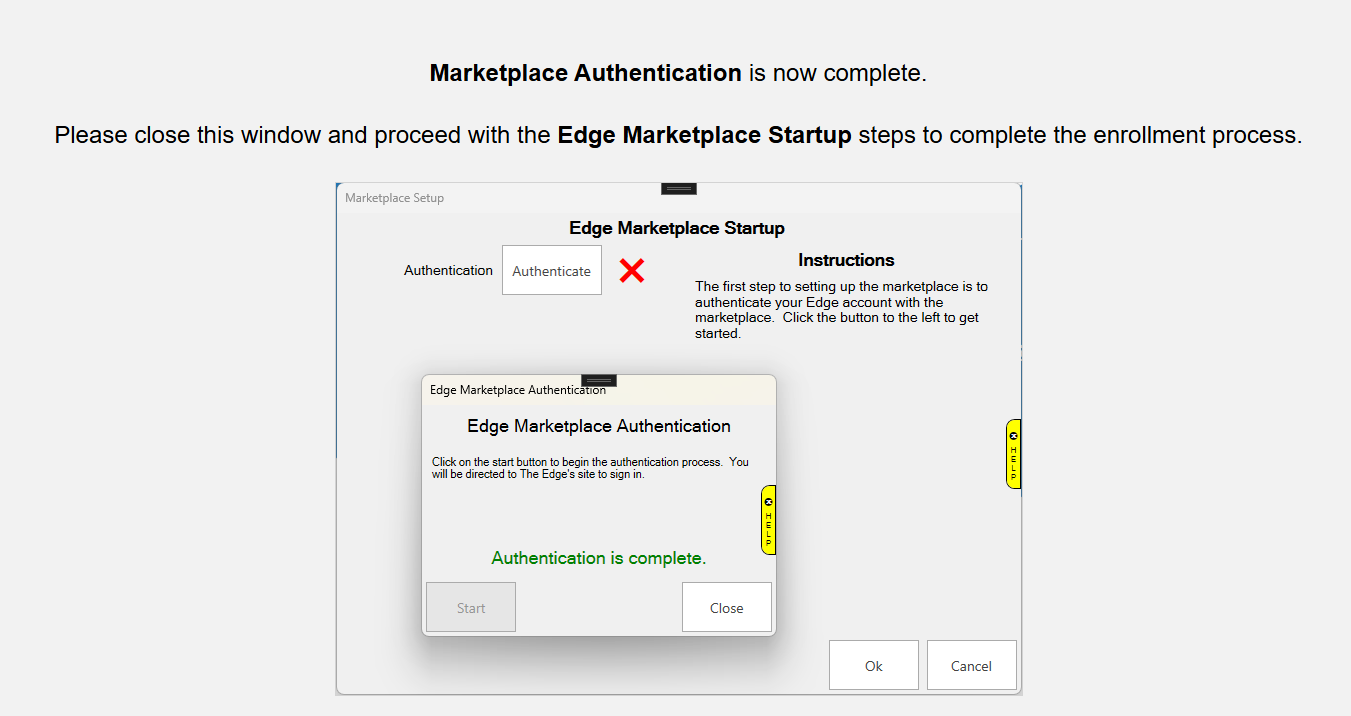
Your Authentication is now complete and you can proceed to the next Startup task.