To make sure that the items you acquire through Edge Marketplace are entered into the correct categories in your Edge program, you will need to map the Edge Marketplace categories to yours. To map your categories, go to Market > Admin > Map Cats.
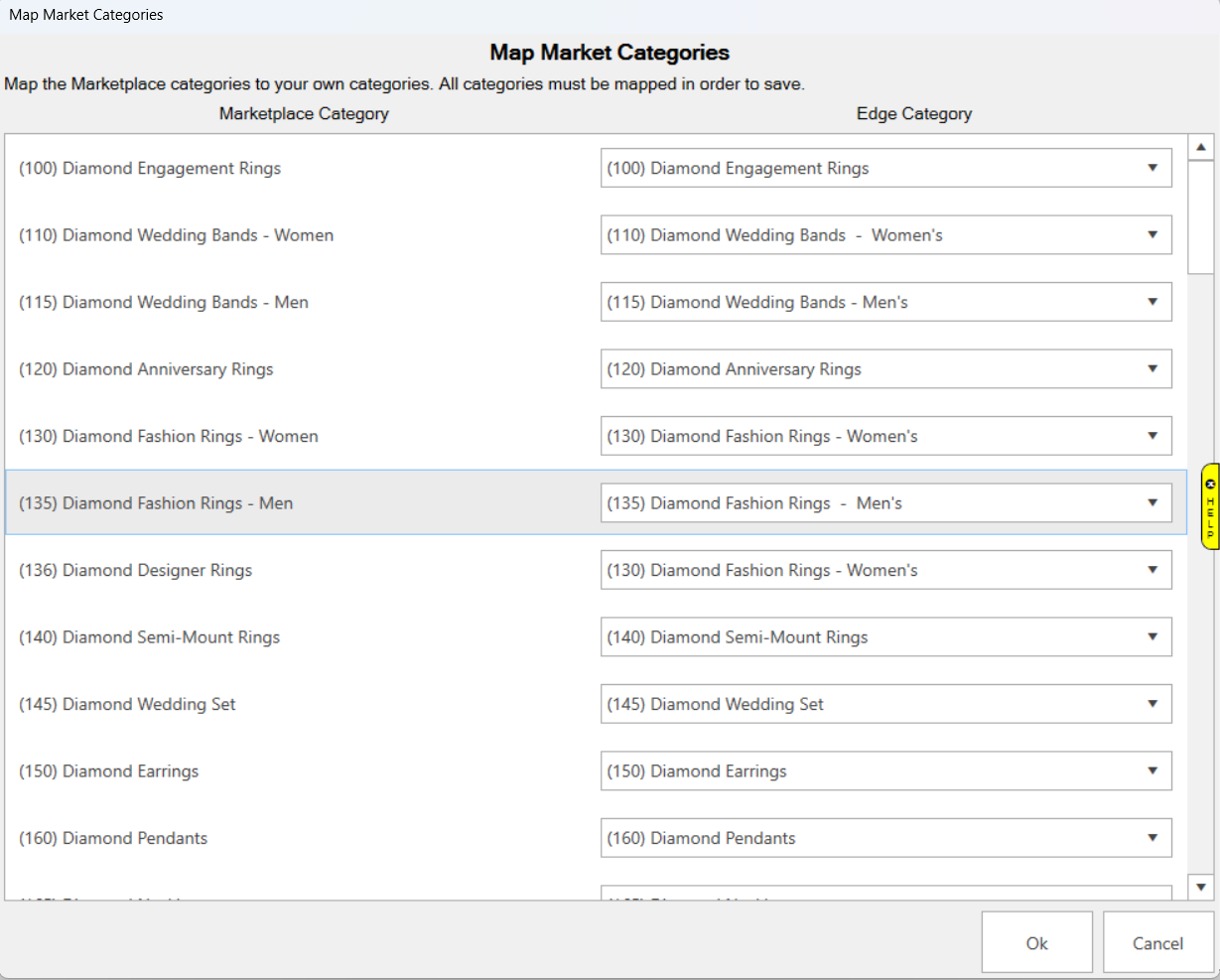
On the left, you will see the Edge Marketplace categories. On the right, you will be able to choose your Edge Category from the pull down that the Marketplace category should be mapped to. Any categories that are a 1 for 1 match will be selected for you already.
When you are finished, click Ok.
To exit the screen without saving your changes, click Cancel.