When you open a vendor's messages, you will see the Latest Messages Detail screen:
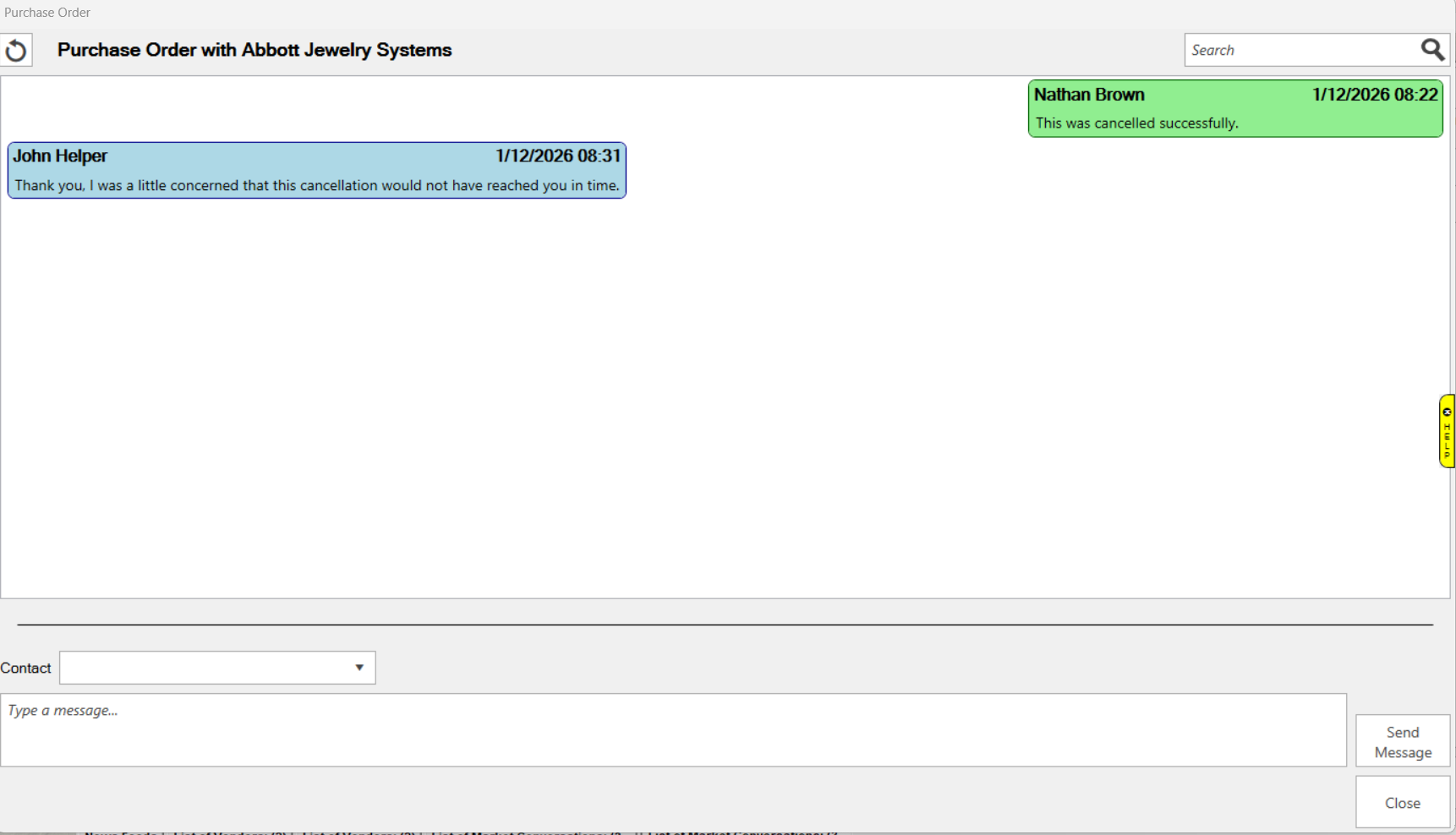
Fields and options on this screen include:
 Refresh Refresh |
This button will refresh the messages list. |
| Search |
Use this to search the messages for text you enter |
| Messages Window |
This is where you will see your communication with this vendor. Your messages will be on the left, and theirs will show on the right. |
| Contact |
This pull down will allow you to choose your contact that is communicating with this vendor |
| Message Box |
This box is where you type the message you want to send to the vendor |
| Send Message |
Click this to send your message to the vendor |
| Close |
Click this to close the window |