Item notes can be pop-up reminders associated with them for point of sale (POS) purposes. For example, if an item had an interesting story, and you want the make sure the associate shares that information with the customer, it can appear in a pop-up. Or, suppose there is some point of disclosure that should be mentioned, this would be a good forum for that. Pop-ups can be edited on a specific item or you can use the Item Pop-Up Wizard to apply a pop-up to multiple items.
To create a single item note pop-up:
- From the Item window, select the Notes tab.
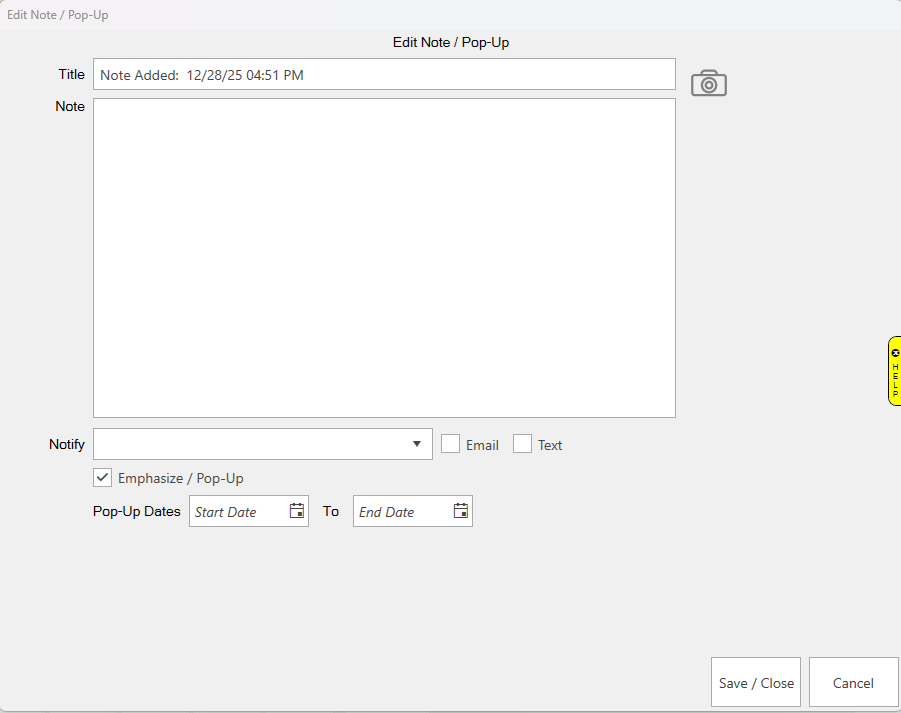
Fields and options in the Notes tab regarding Pop-Ups include:
|
Emphasize/Pop-Up
|
Check this box to make this note a pop-up.
|
|
Pop-Up Dates
|
This note will pop-up at POS during the dates you enter here. These dates are not required. If no dates are entered, this pop-up will be enabled indefinitely.
|